Isometric 3D Technical Infographic Prompt: Photoreal + Annotation Overlay
- Smars
- Prompt , AI Image , Infographic
- 29 May, 2026
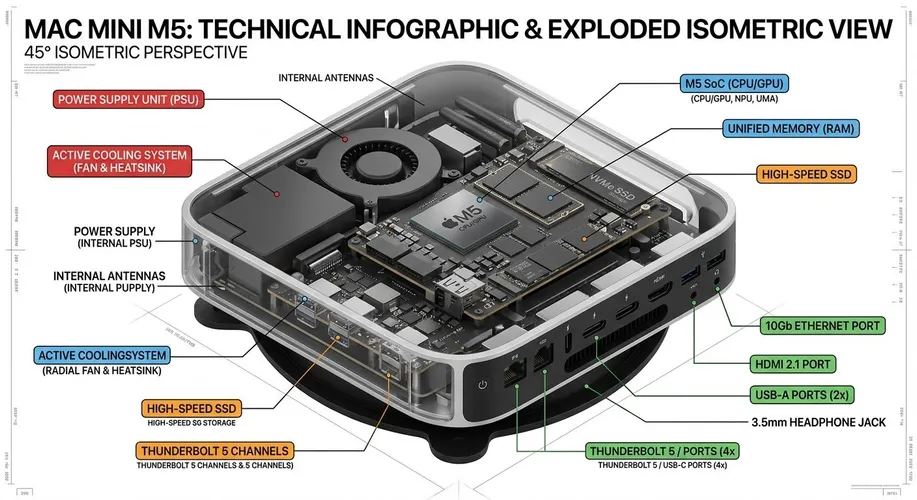
Isometric 3D Technical Infographic Prompt
Purpose: Generate a 45-degree isometric 3D technical infographic that combines photorealistic rendering with black ink annotation overlays, for product breakdowns, engineering diagrams, and social media visuals.
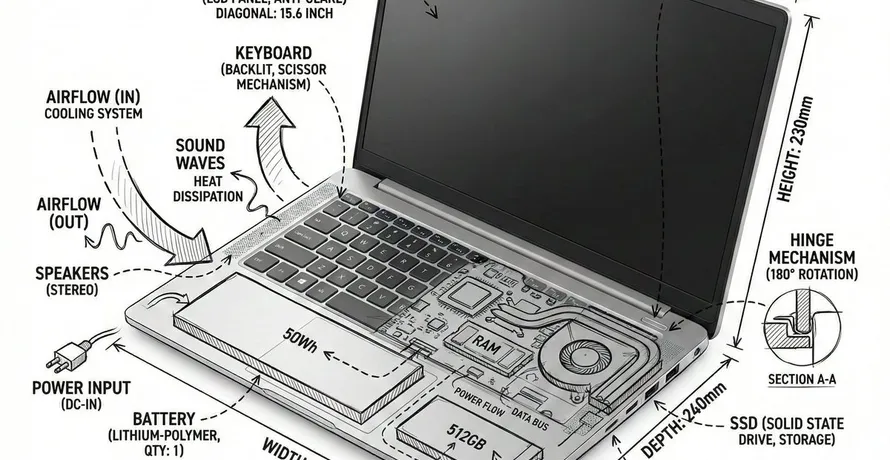
Create a technical infographic of [OBJECT] with a 45-degree isometric 3D perspective showing the device slightly tilted to reveal depth and dimension. Combine a realistic photoreal render with black ink technical annotations on pure white background. Include: Key component labels with color-coded callout boxes. Internal component visibility through transparent casing.Output example:


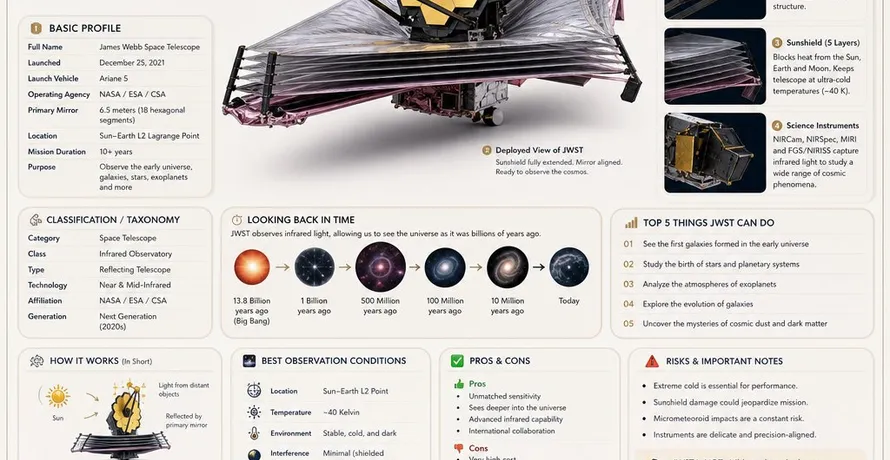
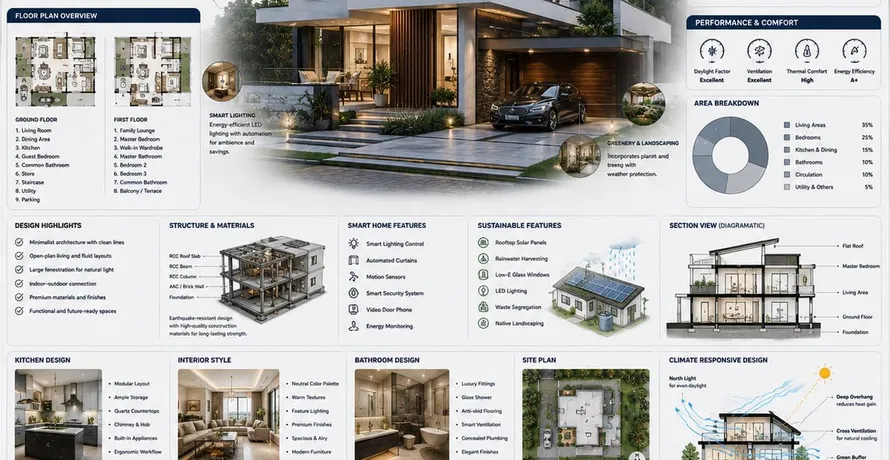
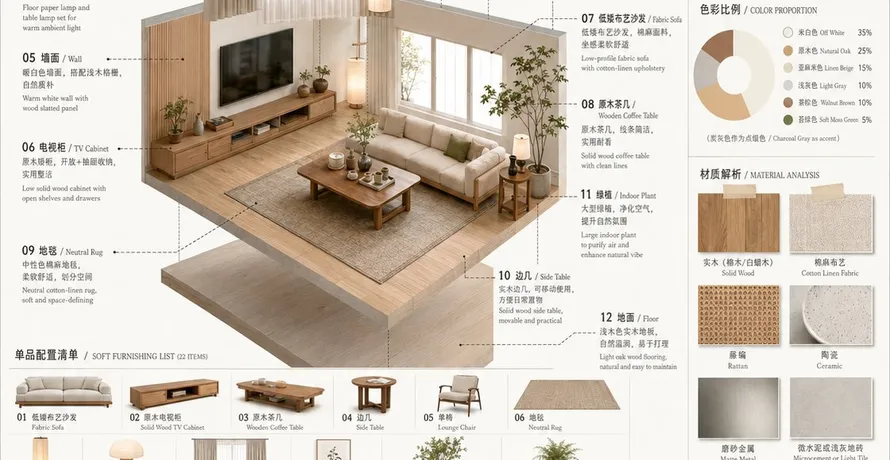
The three images above are generated by the same prompt with different [OBJECT] substitutions.
Usage:
Copy the prompt and replace [OBJECT] with the product or device you want to illustrate. Examples: wireless headphones, smart glasses, mechanical watch, smartphone, gaming console. The prompt works best on Gemini for the isometric 3D rendering quality.
Design thinking:
This prompt is notable for combining two visual traditions that rarely appear together:
- Isometric 3D constraint: Asking for a 45-degree isometric perspective forces a specific viewing angle instead of leaving composition to the model. The slight tilt reveals depth that a flat render would lack.
- Dual visual layer: Photoreal render + black ink annotation. Most infographic prompts pick one or the other. This one demands both, which forces the model to allocate visual real estate to two competing modes.
- Color-coded callouts: Unlike the all-black annotation style, this prompt allows color coding for labels while keeping the overall background white. The contrast between colorful labels and monochrome annotations is the key differentiator.
- Transparent casing: The internal component visibility clause gives the model permission to show internals, which is what makes the result look like a genuine engineering teardown rather than a marketing render.
Source: Adapted from @billtheinvestor on X