Obsidian Tutorial: What Is Obsidian and Why Is It Called a Second Brain Tool?
You may already take plenty of notes.
You save articles, highlight books, write down work lessons, and collect ideas for future projects. But when you actually need that material for an article, a project, or a review, you still cannot find the thing you know you wrote down somewhere.
The problem is usually not that you recorded too little.
The problem is that your notes do not have a path back into use.
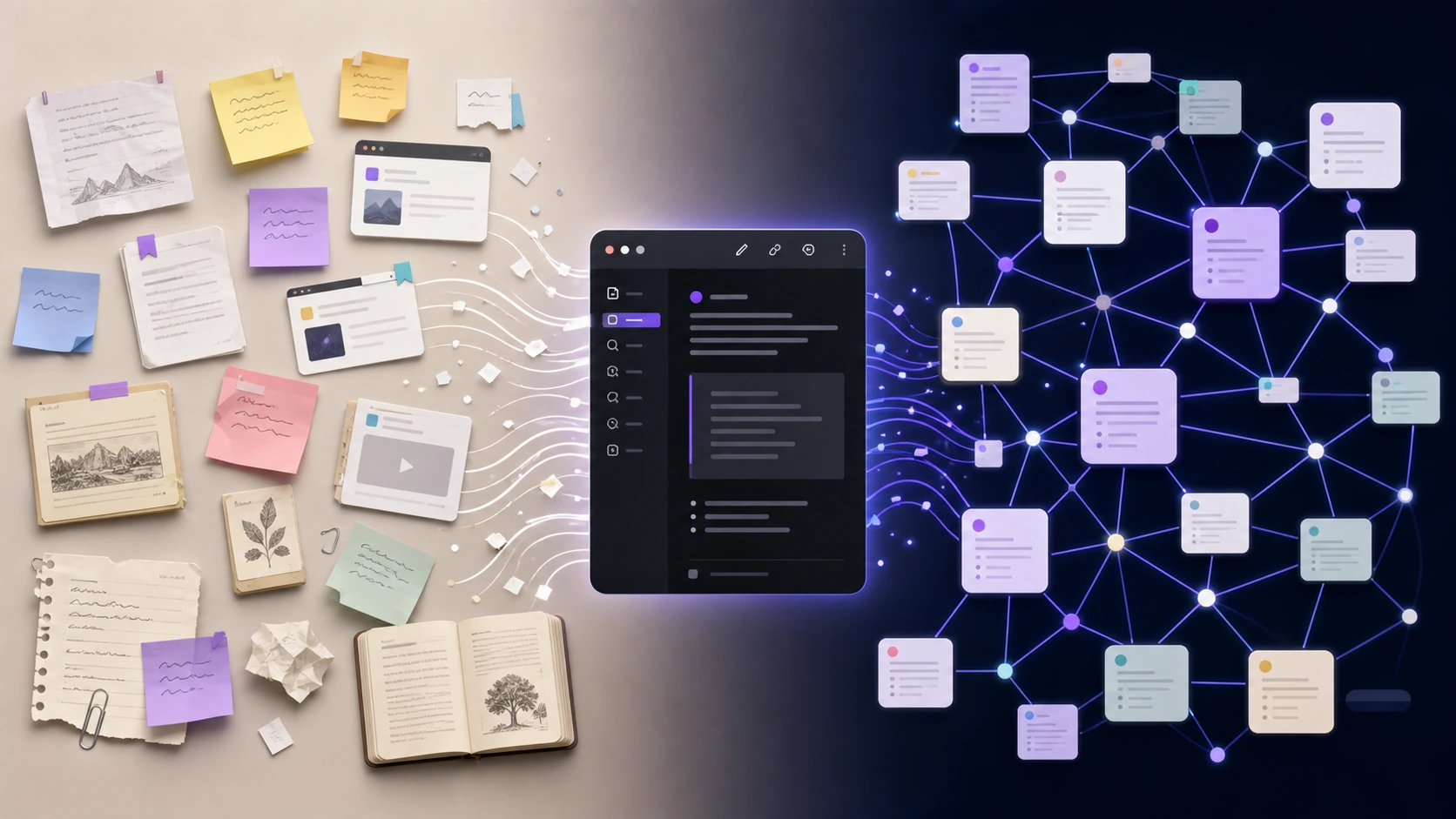
Obsidian is built around that problem. It is not just a place to write notes. It is a way to connect notes into a personal knowledge base.
You can connect one idea to another, link a book note to a project, and attach an old mistake to something you are working on now. Over time, your notes stop being scattered files and start becoming a network you can reuse.
That is why many people describe Obsidian as a “second brain.”
What Is Obsidian?
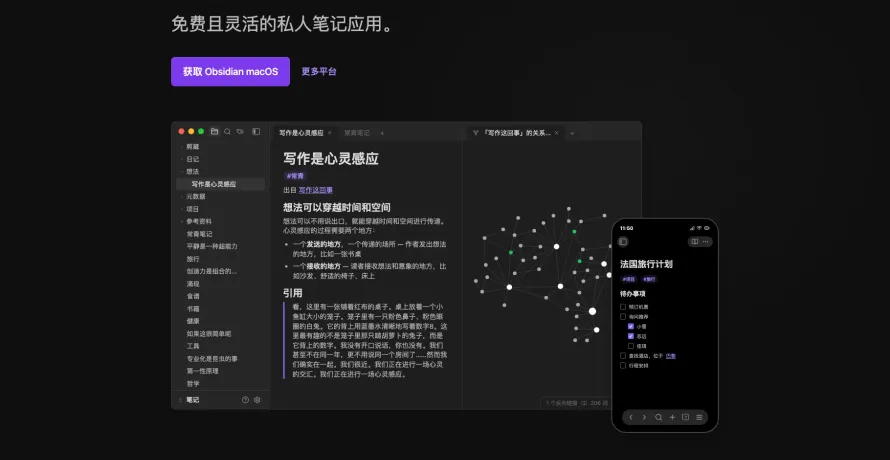
Obsidian is a Markdown note-taking app for building a personal knowledge base.
You can use it for daily notes, book notes, study notes, project records, writing material, work reviews, and technical notes.
The important difference is not whether it can write notes. Most apps can do that.
The difference is whether your notes can connect.
A normal notes app often behaves like a filing cabinet. You put pages into it, then search when you need something.
Obsidian behaves more like a knowledge network. You can see how ideas relate, and you can follow those relationships back to older thoughts.
Imagine you have three notes:
- Writing methods
- Topic selection
- Article structure
In a normal notes app, those may stay as three separate pages. In Obsidian, you can connect “Writing methods” to “Topic selection,” connect “Topic selection” to “Article structure,” and connect “Article structure” to your case library.
Next time you write, you are not starting from a blank page. You are starting from relationships you have already built.
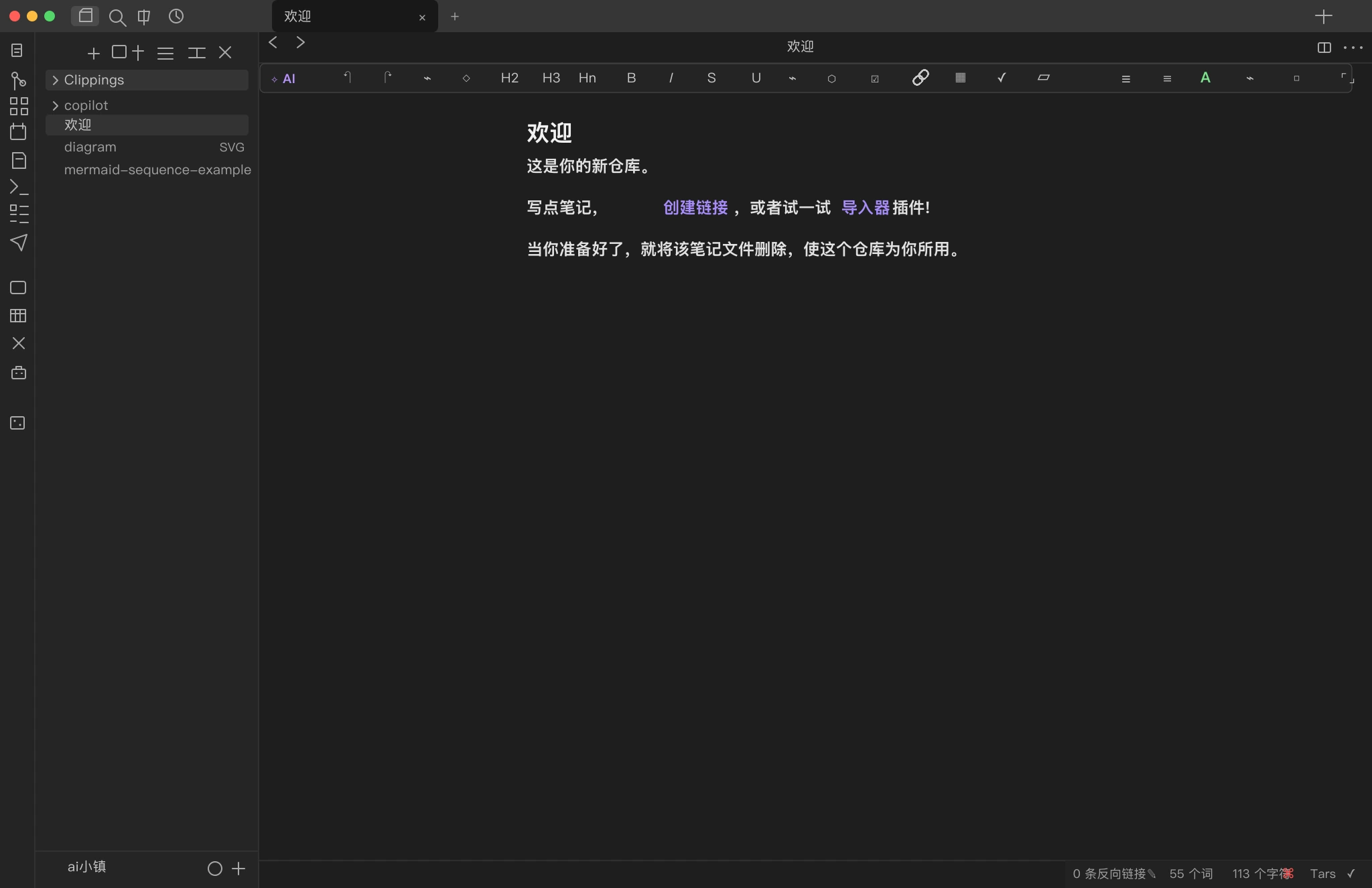
After opening the Obsidian web app, the interface looks roughly like this.
Why Obsidian Works for Long-Term Notes
Many tools feel convenient at first. The problem shows up later, when your content is locked inside a platform, export is messy, and migration becomes painful.
Obsidian takes a simpler path.
Your notes are ordinary Markdown files on your computer. Your knowledge base is a local folder.

That sounds basic, but it matters:
- Your notes live on your own device
- You can back them up, copy them, sync them, or move them
- If you stop using Obsidian, the files still open in other tools
- Long-term writing, study, and research are less dependent on one platform
Short-term notes need convenience. Long-term notes need reliability.
One reason Obsidian feels good to use is that sense of control: the notes are yours, so the knowledge stays yours too.
What Is a Vault?
When you first use Obsidian, you will see the word “vault.”
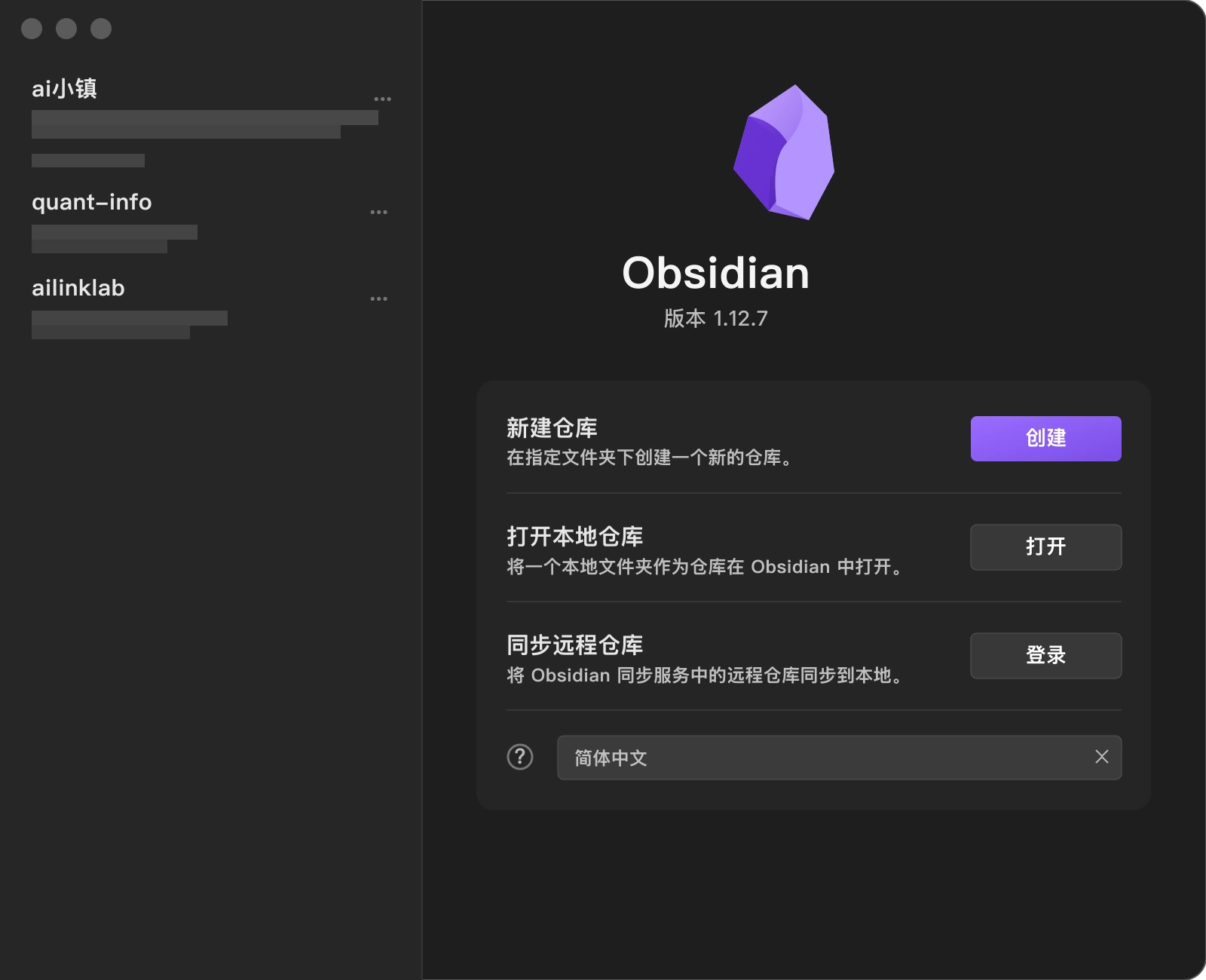
Do not overthink it. A vault is a note repository. More plainly, it is a folder where your notes live.
For example, you might create a vault called “My Knowledge Base.” Every note you write inside that vault is stored in that folder.
You can also create separate vaults for different uses:
- Work notes
- Book notes
- Writing material
- Project files
- Technical learning
But beginners should not split things too early.
Start with one vault and write. When the content actually grows, you can reorganize later. A knowledge base does not come from designing perfect folders. It comes from recording, connecting, and returning to your notes.
The Most Important Obsidian Feature: Links
The most important Obsidian feature is not plugins or themes. It is links.
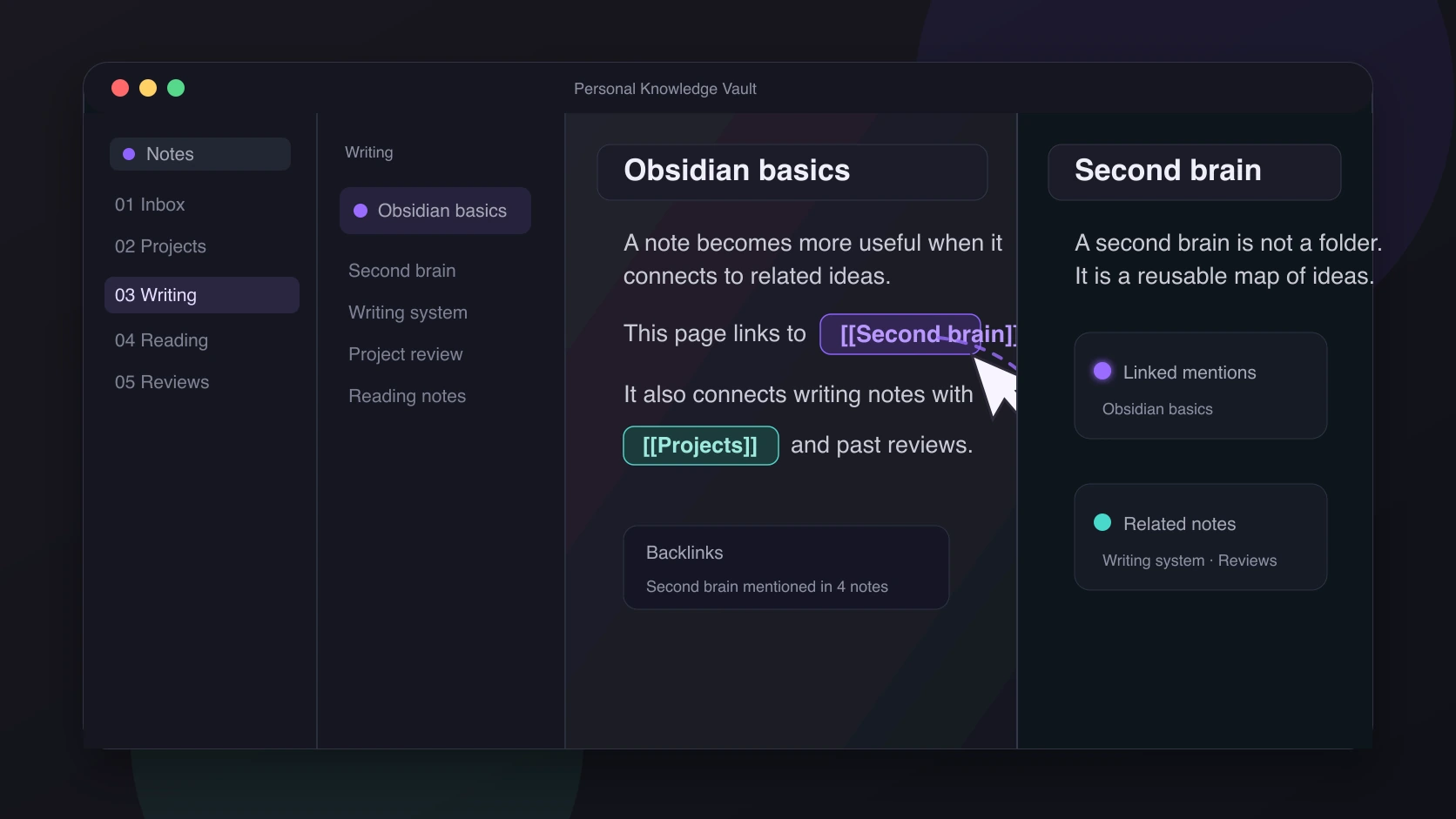
You can link one note to another. If you are writing a note about “Obsidian” and mention “second brain,” you can turn “second brain” into a clickable note link.
If the note already exists, clicking the link opens it. If it does not exist yet, Obsidian can create it.
This matches how thinking actually works.
People do not think in folders. A book can remind you of an idea. An idea can remind you of a project. A project can remind you of a mistake. A mistake can remind you of a method.
Obsidian lets you keep those associations:
- Concepts connect to concepts
- Projects connect to experience
- Book notes connect to writing material
- Old problems connect to current solutions
After a while, your notes begin to grow together. Obsidian stores not only the content, but also the path your thinking took.
Why Backlinks Matter
A normal link means note A mentions note B.
A backlink means that when you open note B, Obsidian can show which notes have mentioned it.
Here is a simple example.
You have a note called “Topic selection.” Later, you mention it in article drafts, book notes, content reviews, and a case library.
When you open “Topic selection,” Obsidian can surface those related notes.
That is useful because the problem is often not a lack of notes. The problem is not knowing where your past work is hiding.
Backlinks remind you: this topic has appeared before, this problem has come up before, and these materials may belong together.
They help you recover scattered material.
What the Graph View Is For
Many people first notice Obsidian because of the graph view.
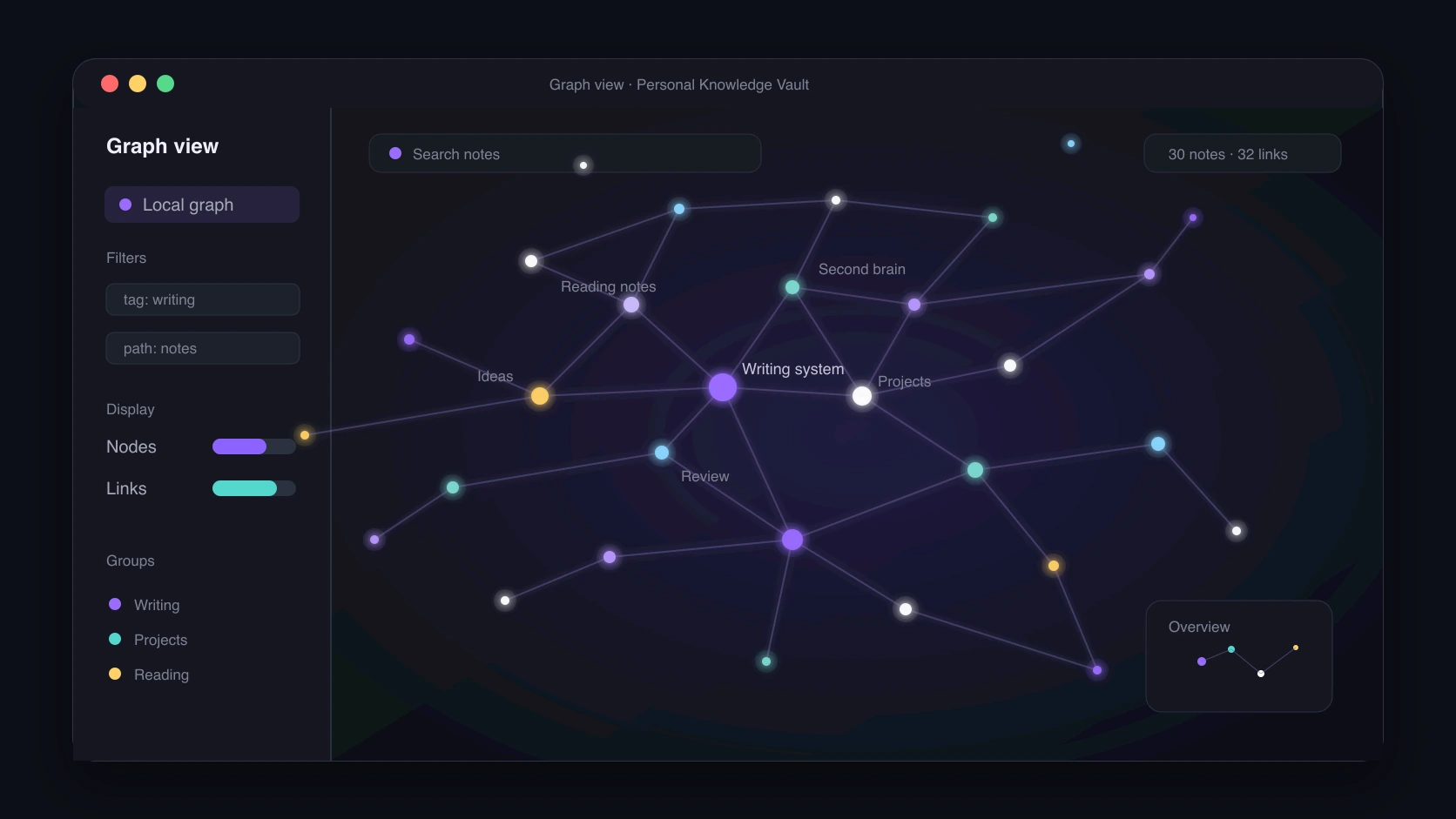
The graph view displays each note as a point and each link as a line. As your notes grow, the graph starts to look like your own knowledge map.
It is not just there to look cool.
It helps you observe your knowledge structure:
- Which topics you keep returning to
- Which notes connect many ideas
- Which notes are still isolated
- Which areas are becoming systems
If “Writing system” has many notes around it, that may be one of your current core topics. If some notes sit alone, they may not yet belong to the rest of your knowledge base.
You do not need to check the graph view every day. It is more useful as an occasional review tool.
Plugins Make Obsidian Extremely Flexible
Another big part of Obsidian is its plugin ecosystem.
You can add task management, Kanban boards, calendars, AI assistants, citation tools, maps, terminals, automation scripts, and sync helpers. Many people like Obsidian not only because it writes notes, but because it can be turned into a personal workspace.
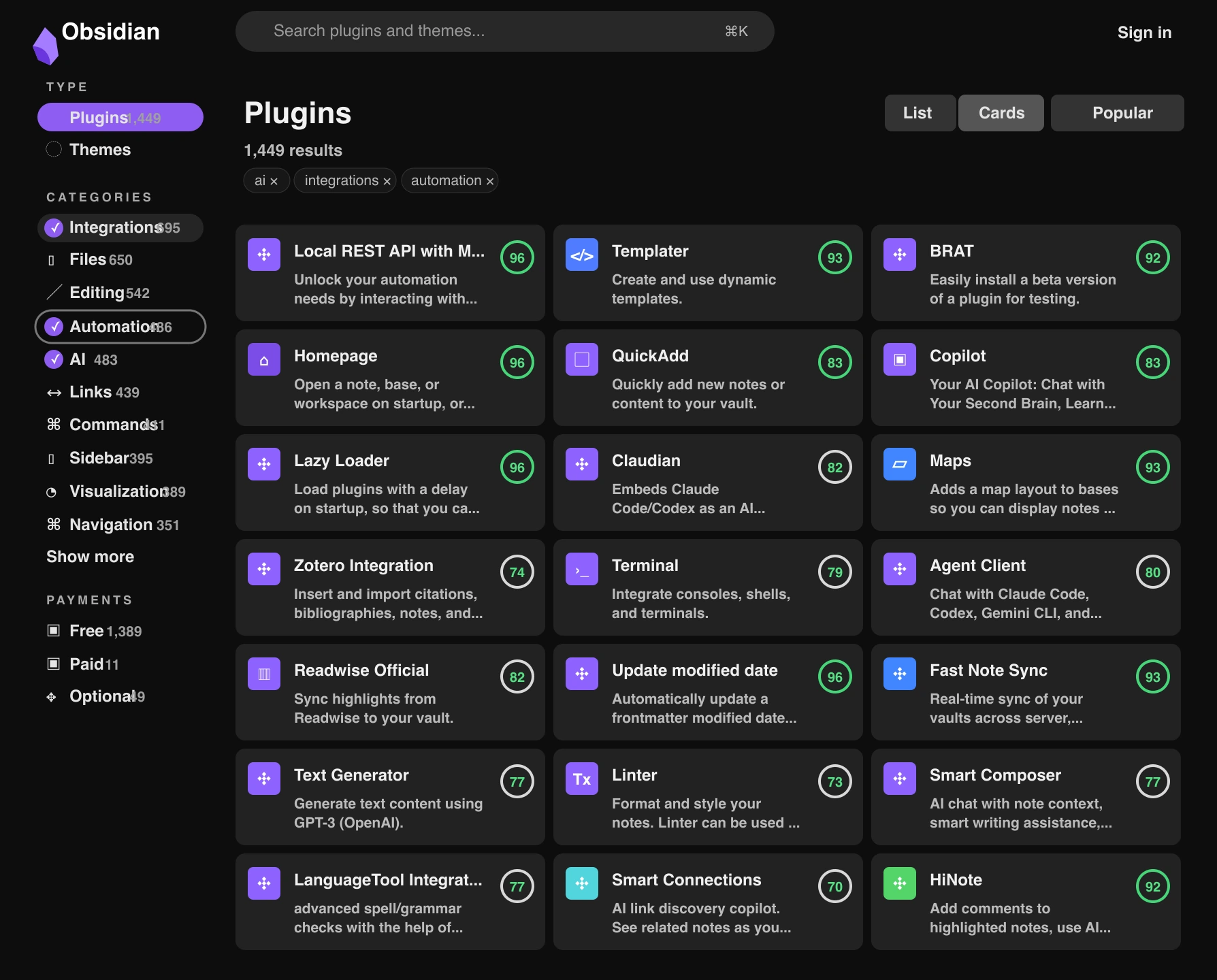
That flexibility is powerful.
It is also where beginners often get lost.
When you open the plugin marketplace and see so many features, it is tempting to install everything. Then the interface becomes complicated, and the original goal of writing useful notes disappears.
More plugins do not mean a better system. A plugin should solve a problem you already have, not create a new workflow you now have to maintain.
If you are new to Obsidian, wait. First make recording, linking, and reviewing a habit. When you honestly think, “I wish this part could be automated,” or “I need a board for this,” then look for a plugin.
How Obsidian Differs from Normal Notes Apps
If you already use Apple Notes, Notion, Evernote, or OneNote, why use Obsidian?
The answer is simple:
Most notes apps are better at managing pages. Obsidian is better at managing relationships.
Normal notes apps are great for:
- Quick notes
- Saved material
- Checklists
- Team collaboration
Obsidian is better for:
- Long-term personal knowledge
- Reusing old notes in new projects
- Connecting writing, reading, learning, and reviews
- Letting your thinking develop into a system
Obsidian does not need to replace every notes app.
Use your phone notes app for quick reminders. Use online documents for team work. Use Obsidian for personal knowledge, long-term writing, deep learning, and project reviews.
Who Obsidian Is For
The people who benefit most from Obsidian share one trait: their information is not disposable.
Students can use it for course notes, but not just for exam review. The real value is connecting today’s concept with something learned last month. Over time, learning becomes less like isolated chapters and more like a map of ideas that explain each other.
Programmers are a natural fit too. Error fixes, environment setup, architecture decisions, and technical concepts may feel like small notes today. Six months later, they can save you from solving the same problem again. Obsidian is much better for that than scattered chat logs and temporary documents.
Writers, video creators, and content people will feel the value quickly. A topic, a sentence, a case, a title may not be useful today. But if it is saved and connected, it may later become the opening of an article, a proof point in a proposal, or the key example in a review.
Product managers, researchers, and consultants have the same problem. User feedback, competitor notes, meeting notes, industry observations, project plans, and retrospectives often disappear after the project ends. In Obsidian, they can become material for the next decision.
So do not think of Obsidian as a tool only for knowledge-management enthusiasts. If you work with information and want it to be useful later, it is worth trying.
What You Can Use Obsidian For
You do not need to master everything at the beginning. Treat Obsidian as a reliable place to record first.
The simplest use is daily notes. Write down what you thought, what you did, what came up in meetings, and where your work stands. Daily notes look ordinary in the short term, but over time they become an honest record of how you think and make decisions.
The next use is book notes and learning notes. Do not just copy quotes. Write what the book is saying, which idea matters to you, how it connects to something you already know, and whether it can be used in your work or writing.
If you write articles, make videos, or build proposals, Obsidian is also a good place for raw material. A title, an idea, a case, or a phrase may not be useful on the day you capture it. Later, it may become an opening paragraph, a supporting argument, or the example that makes a review clearer.
Project material belongs here too. A project produces background, requirements, meetings, plans, problems, launch notes, and retrospectives. If those stay in temporary documents, they disappear quickly after the project ends. In Obsidian, they can help the next similar project.
The long-term use is building a personal knowledge base. It will not be powerful on day one. It becomes useful only after you keep recording, connecting, and reviewing.
Common Beginner Mistakes
Many beginners try to make Obsidian perfect too early.
They study complex templates, install too many plugins, design deep folder structures, and try to build a complete second brain before writing many notes.
The result is a beautiful setup with very little actual content.
That path turns people away.
The point of Obsidian is not to make the interface pretty. The point is to make your content accumulate.
A better order is:
- Write first
- Connect next
- Organize later
- Improve the workflow last
You do not need a perfect system at the start. Create a vault and write the first batch of notes. When the content grows, you will naturally see where folders, tags, or plugins are needed.
Let the tool follow the need, not the other way around.
How Beginners Should Start
First, create a vault. Do not overthink the name. “My Knowledge Base,” “Work Notes,” or “Study Notes” is good enough. Starting matters more than naming.
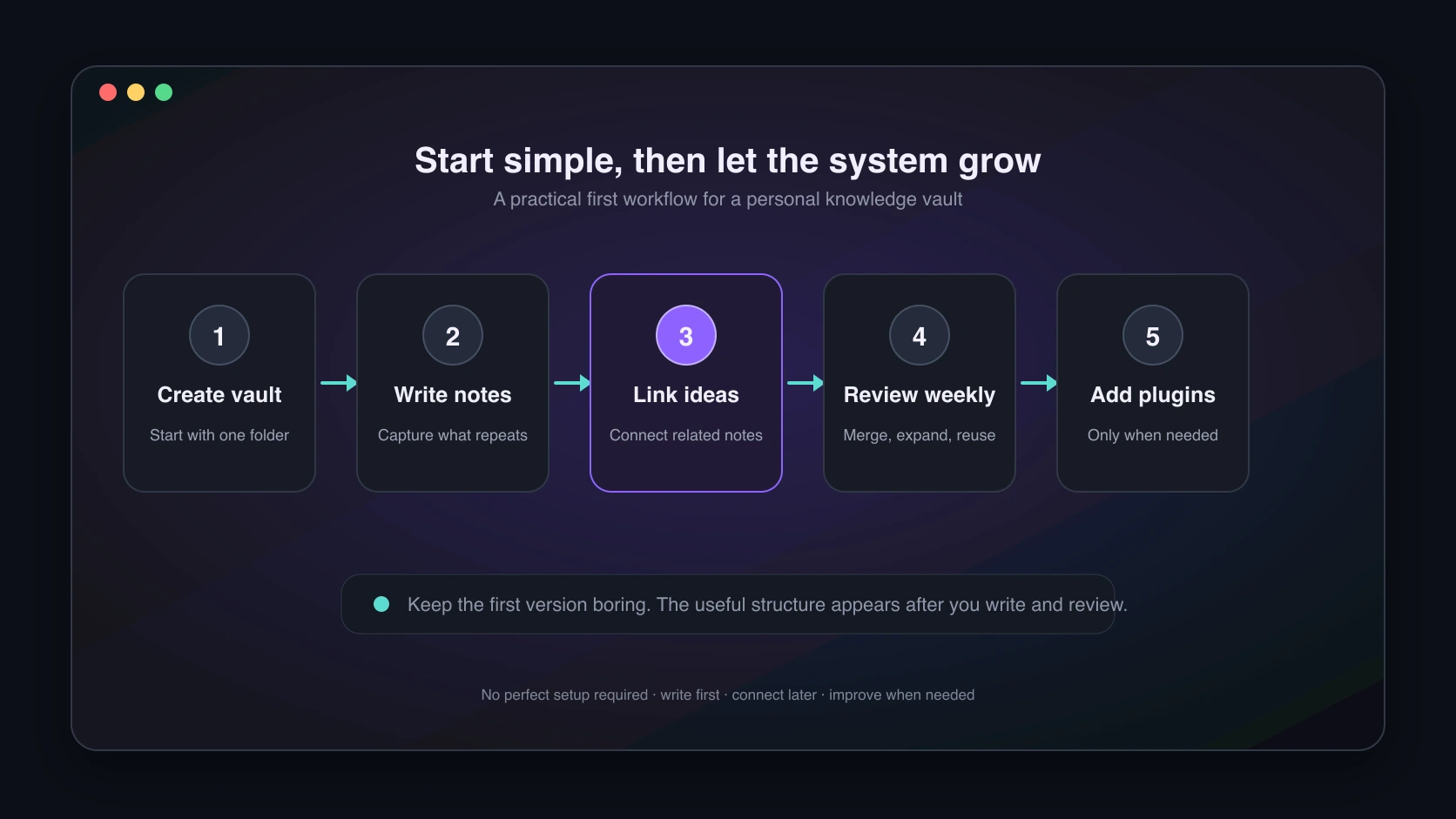
Second, write the first notes that are easiest to produce: daily notes, book notes, study notes, project notes, writing material, and problem summaries. These are close to your real life, so they are easier to maintain.
Third, add links while you write. If you mention an important idea, connect it to a related note. “Writing material” can link to “Topic selection,” “Titles,” and “Case library.” “Project review” can link to “Requirements,” “Problems,” and “Solutions.” You do not need a complete system first. You just need your notes to start relating to each other.
Fourth, review after a while. Look for notes worth expanding, notes that should be merged, topics that keep appearing, and material that could become an article or method. Organization is not about making the vault pretty. It is about making future reuse easier.
Fifth, think about plugins last. Obsidian has many plugins, but beginners should not rush. Get recording, linking, and reviewing working first. When you actually need task management, a board, tables, or publishing, then add the plugin.
This slower start is more stable. You are growing a long-term system, not arranging a good-looking screenshot.
A Simple Metaphor for Obsidian
You can think of Obsidian as your own study room.
At first, there are only a few papers: book highlights, work lessons, writing ideas, project reviews, stray thoughts.
At first, it is just a place to store things.
When you start connecting those materials, it changes.
A book note connects to a work problem. A work problem connects to a project review. A project review connects to an article idea. Old material starts serving current questions.
At that point, the room is no longer just a pile of documents.
It helps you remember, associate, and reorganize your experience.
That is the real value of Obsidian: it does not ask you to build a perfect system upfront. It lets knowledge grow slowly.
Back to the Original Question
Why is Obsidian called a second brain?
Not because it has many features. Not because the graph view looks impressive.
The real reason is that it changes how notes are used.
Normal notes store things. Obsidian helps you organize paths of thought.
When your notes grow, the valuable part is often not one single note, but the relationships between notes. An old idea resurfaces. A project lesson helps with a new problem. A loose piece of material becomes part of an article. That is when a personal knowledge base starts working.
Beginners do not need to master every feature or copy someone else’s system.
Write the first note. Connect it to related ideas. Come back and review.
That is enough. A useful knowledge base is not built in one day. It grows through repeated recording, linking, and returning.